
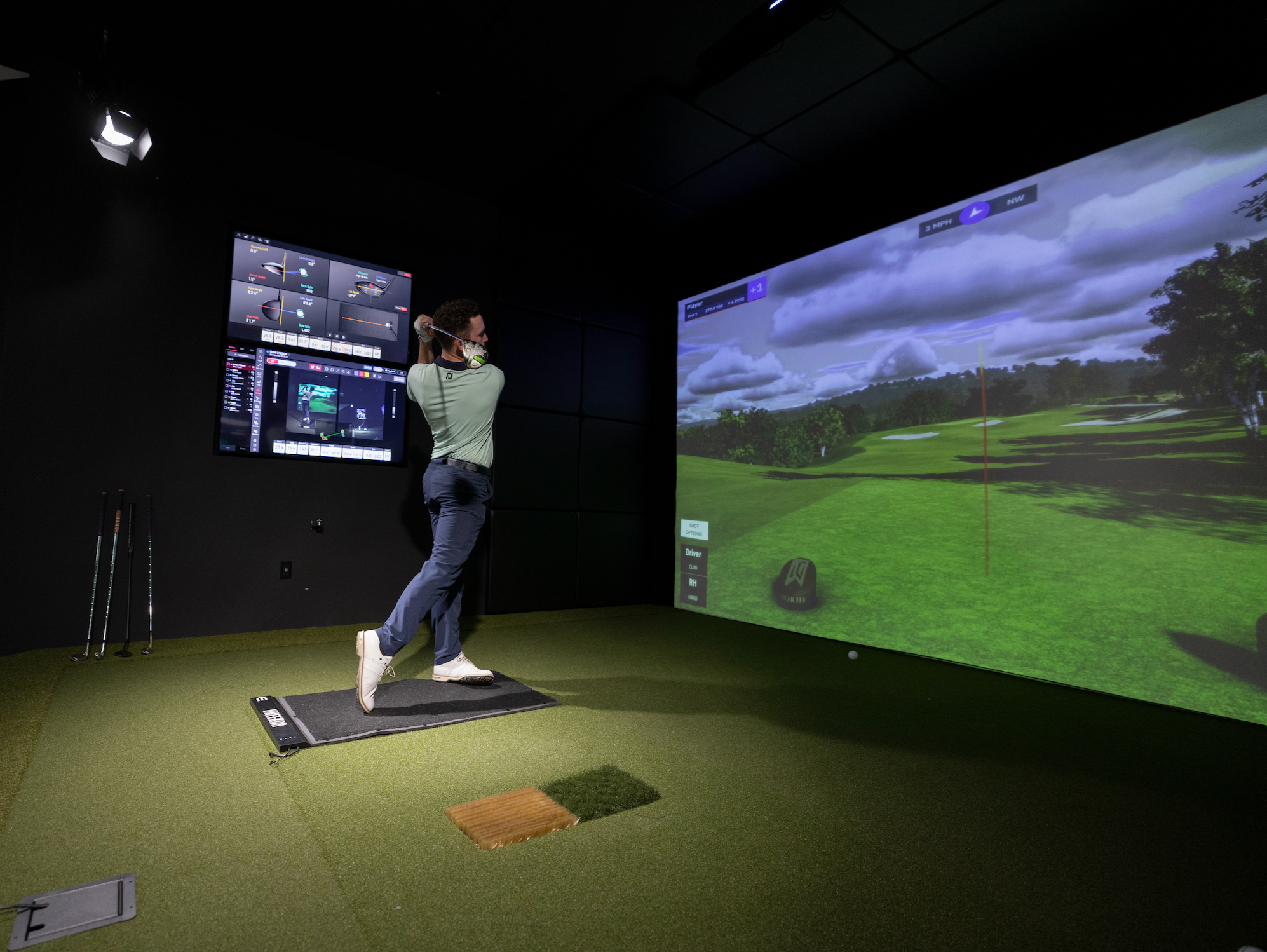
Simulator Video Instructions
If you have any questions, please call:
Bob (404) 606-0275 or Doug (206) 496-2779
Video 1: Turn on Computer, Projector, Launch Practice Range
Video 1 Timestamps:
(0:00 - 0:20) Turning on Computer
(0:20 - 0:40) Turning on Projector
(0:40 - 1:00) Turning on TVs
(1:00 - 1:50) Correct Input for TVs
(1:50 - 2:30) Launching Practice Range
(2:30 - 4:40) Practice Range Settings
(4:40 - end) Launching GSPro Course
Video 2: Launch GSPro Course and Players
Video 2 Timestamps:
(0:00 - 0:30) Club Data Screen
(0:30 - 1:30) Select Course
(1:30 - 1:56) Set Up Players
Video 3: GSPro Settings/Options
Video 3 Timestamps:
(0:00 - 0:45) Select Players
(0:45 - 2:15) Course Settings
(2:15 - 2:58) Thoughts on putting
(2:58 - 3:50) Teeing up, aiming, play
Video 4: Shutting Down